Android par PiLabh
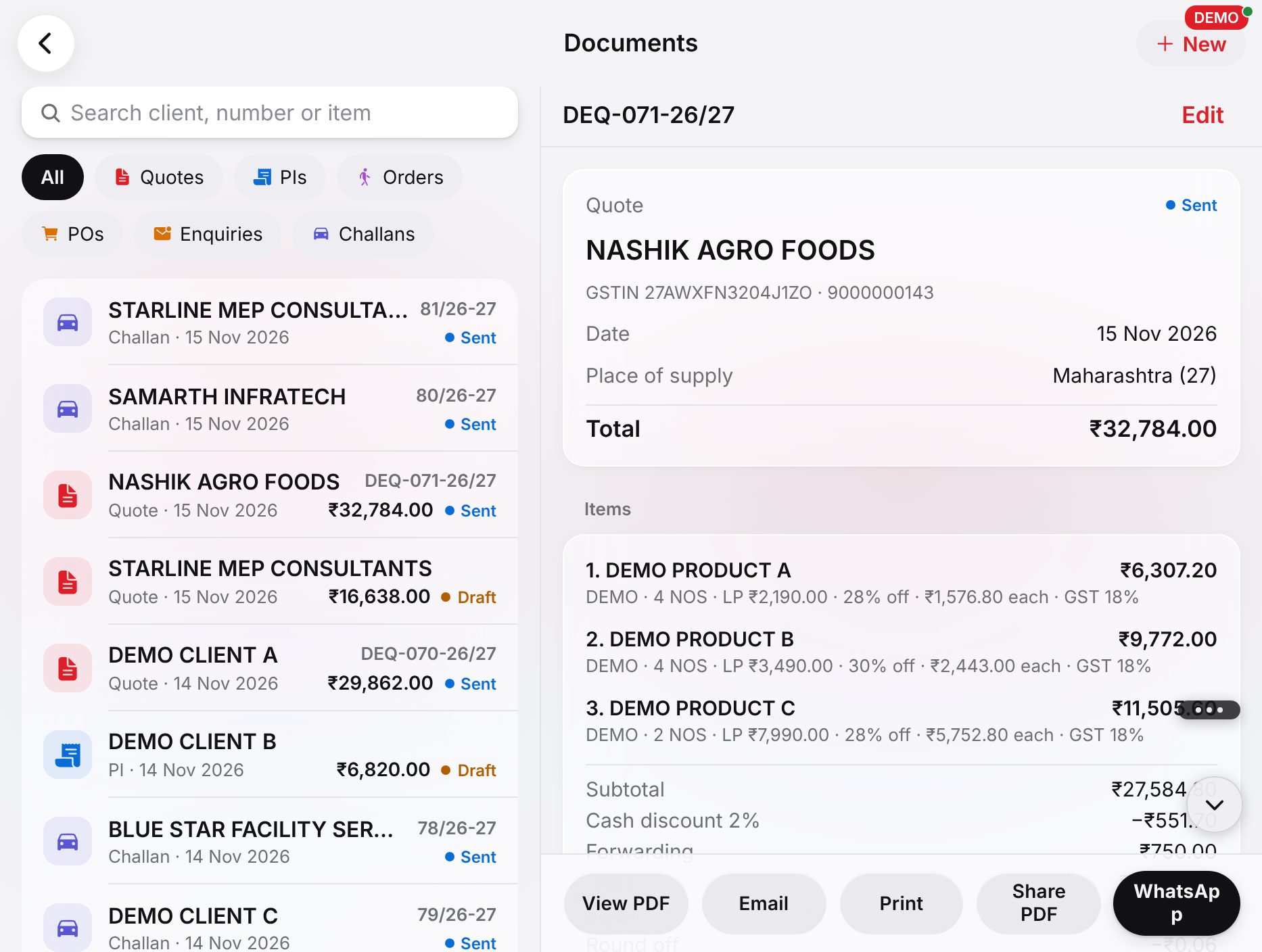
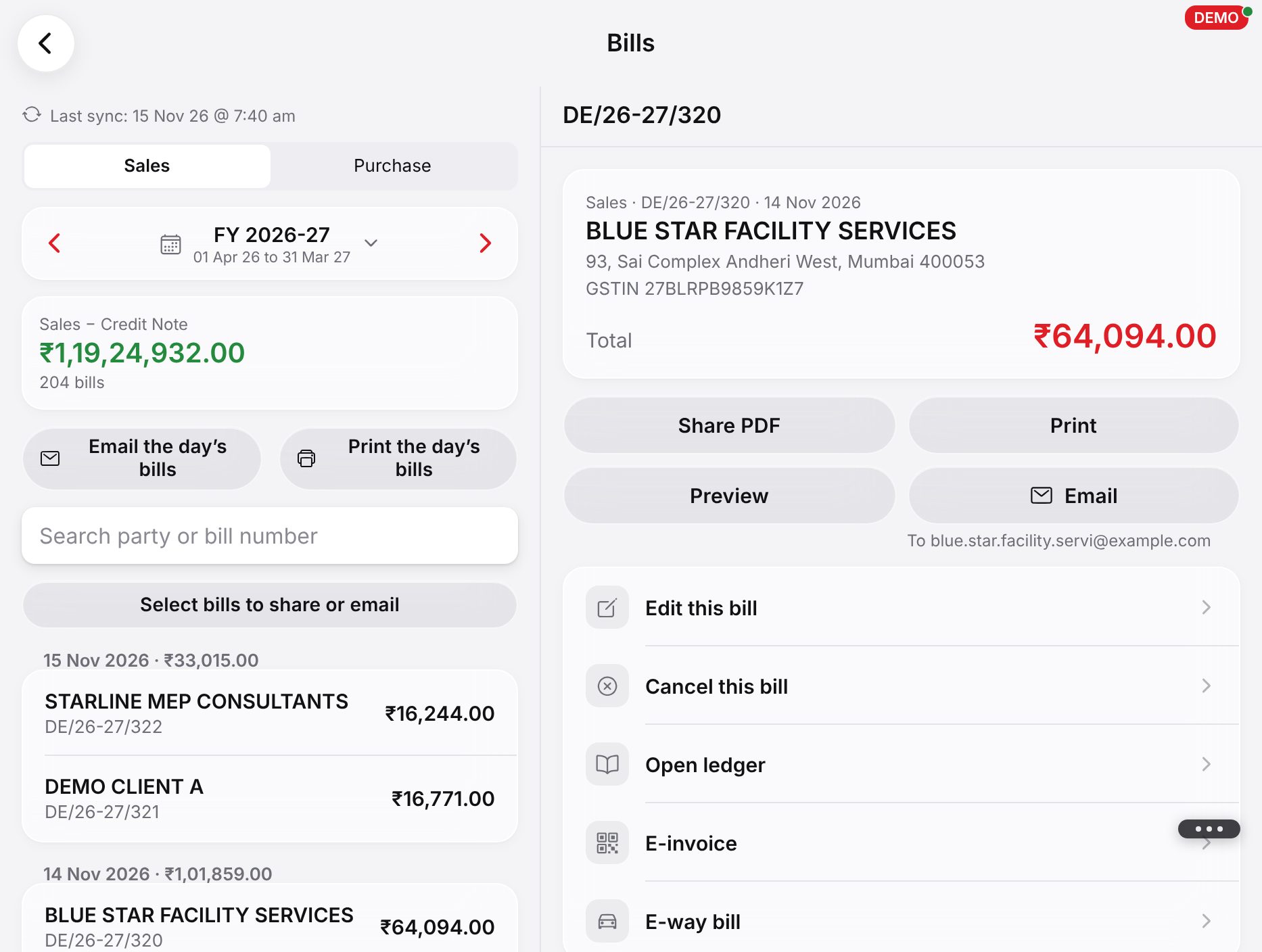
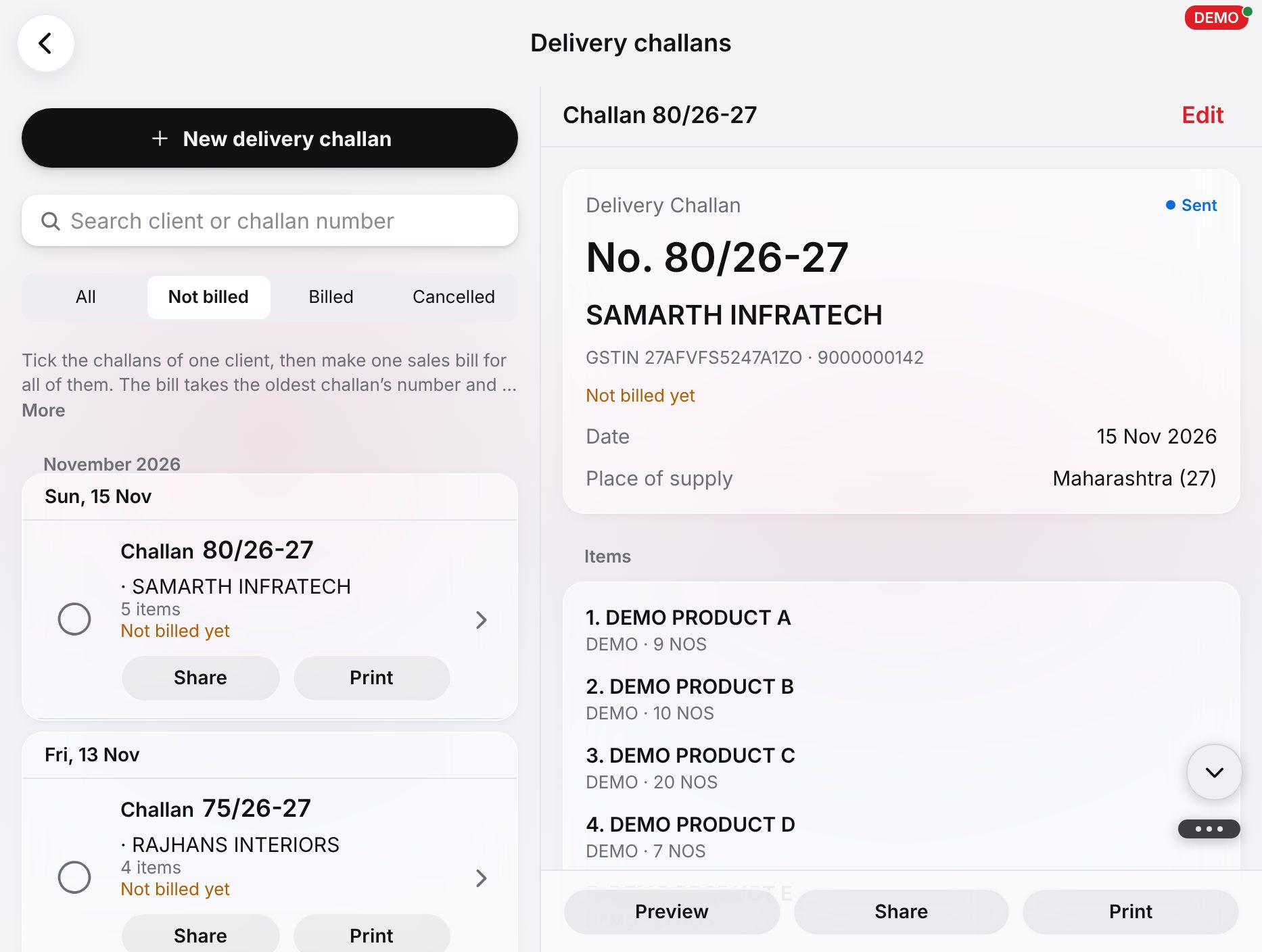
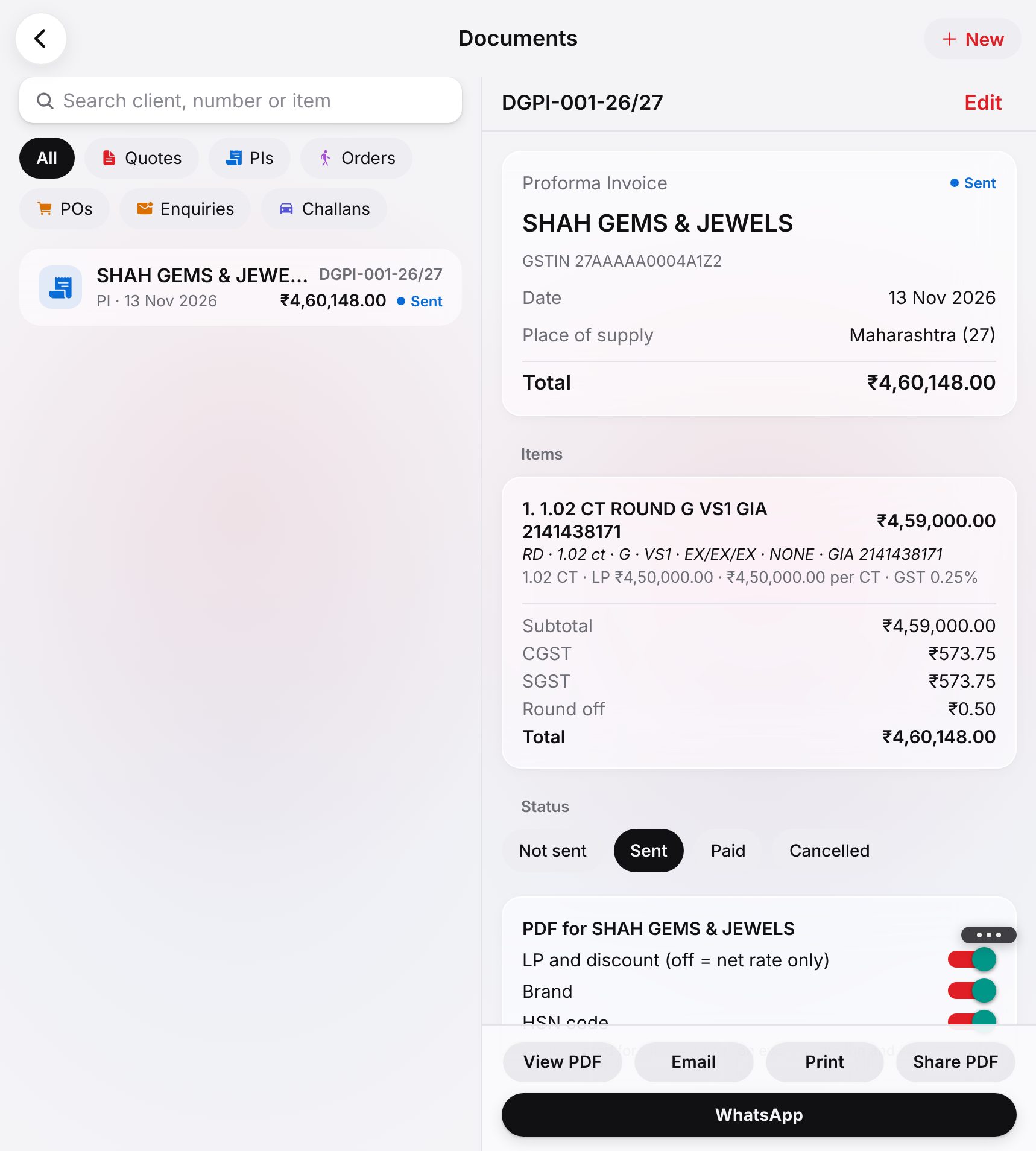
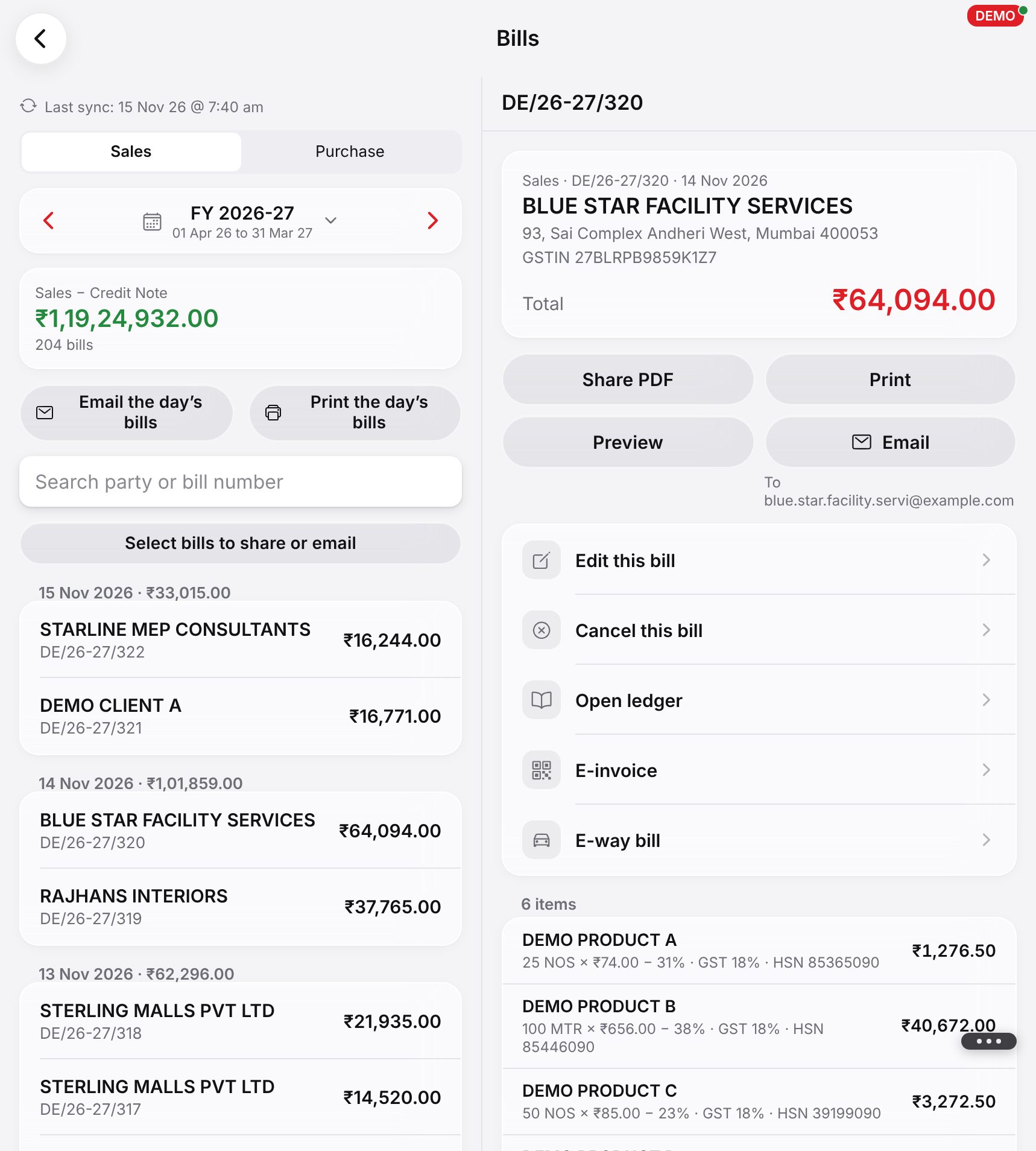
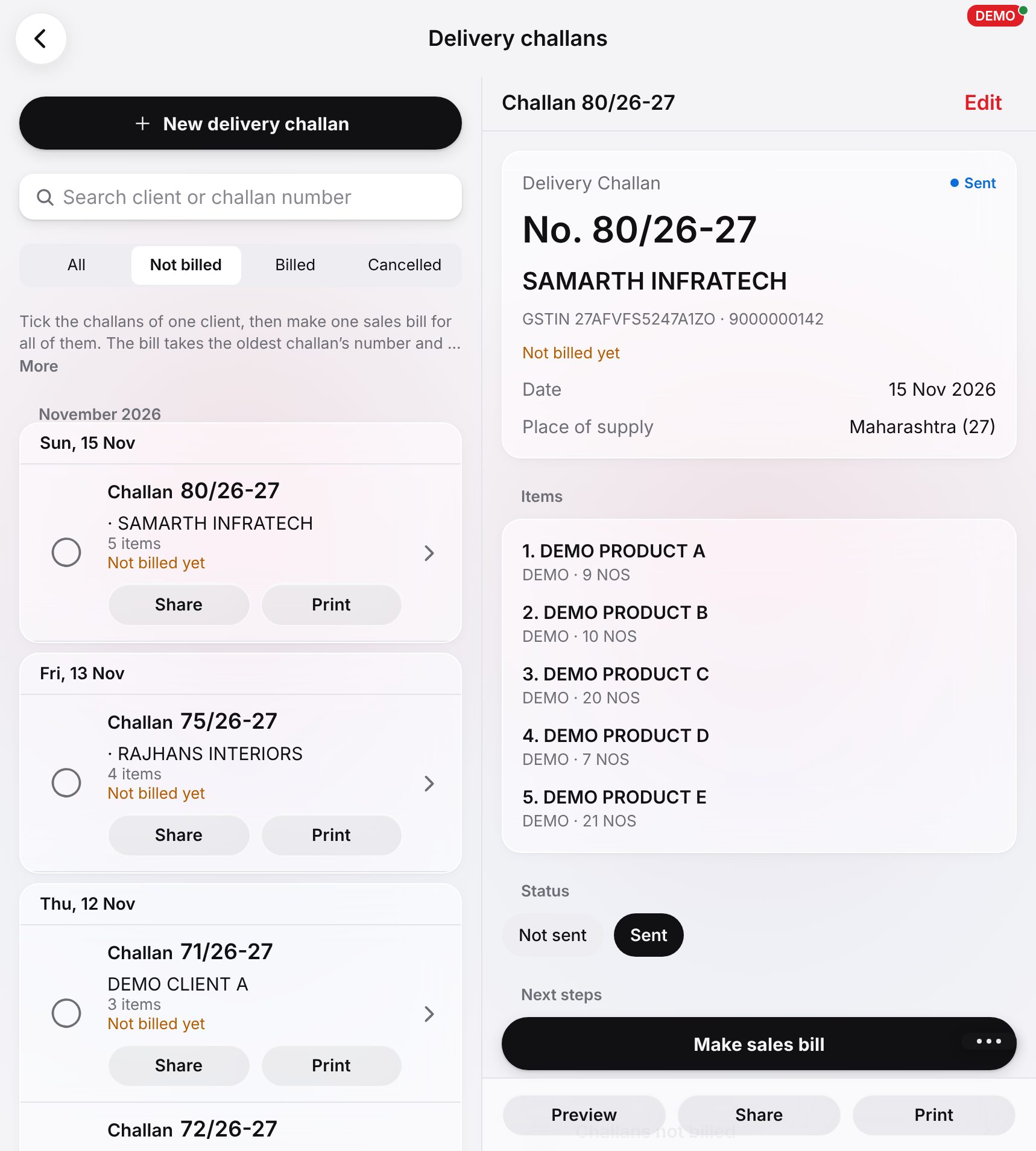
App ki asli screens: quotations, bills aur reports, ek trader aur ek jeweller ke liye (demo business, banaya hua data).
Candy bar layout
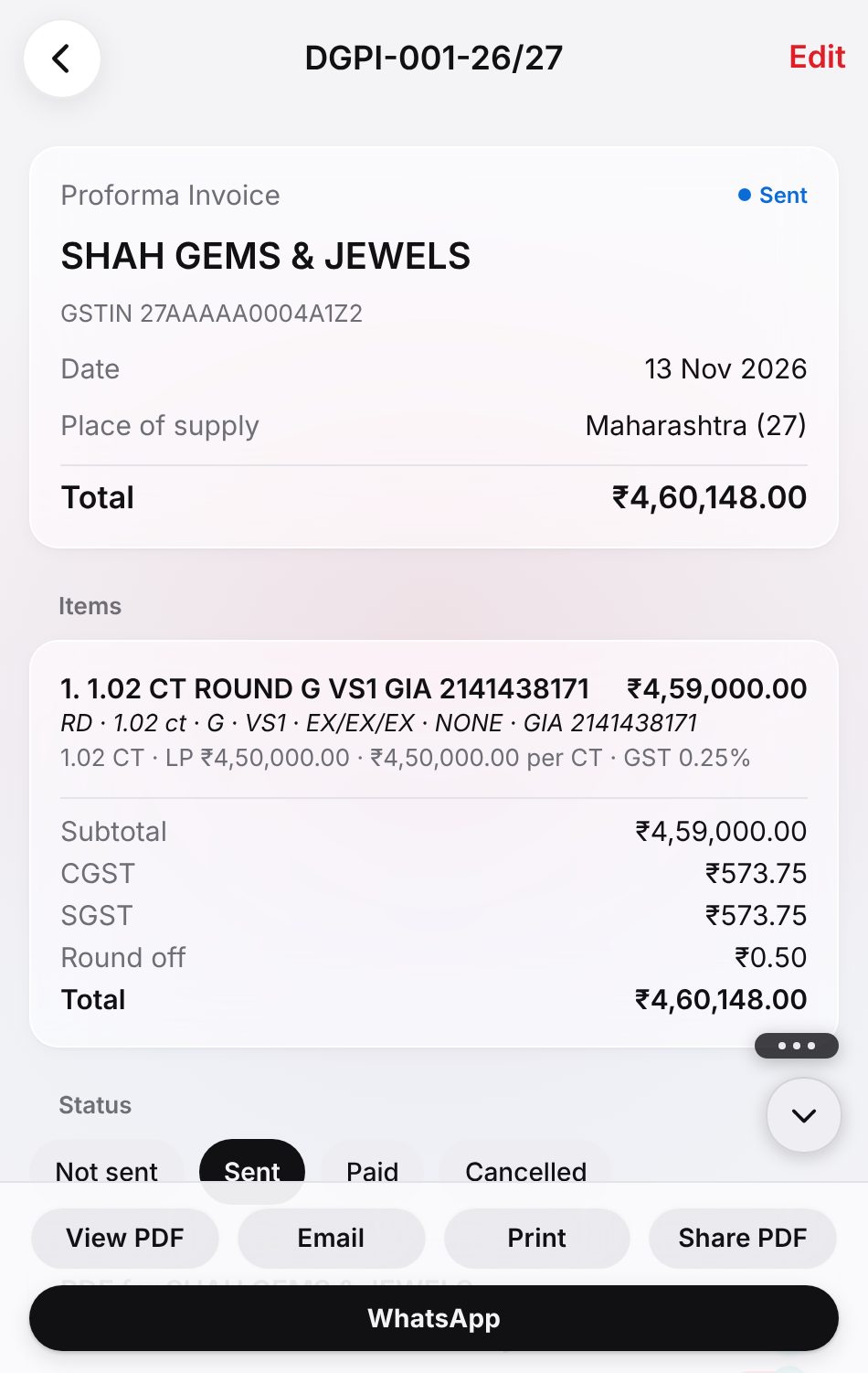
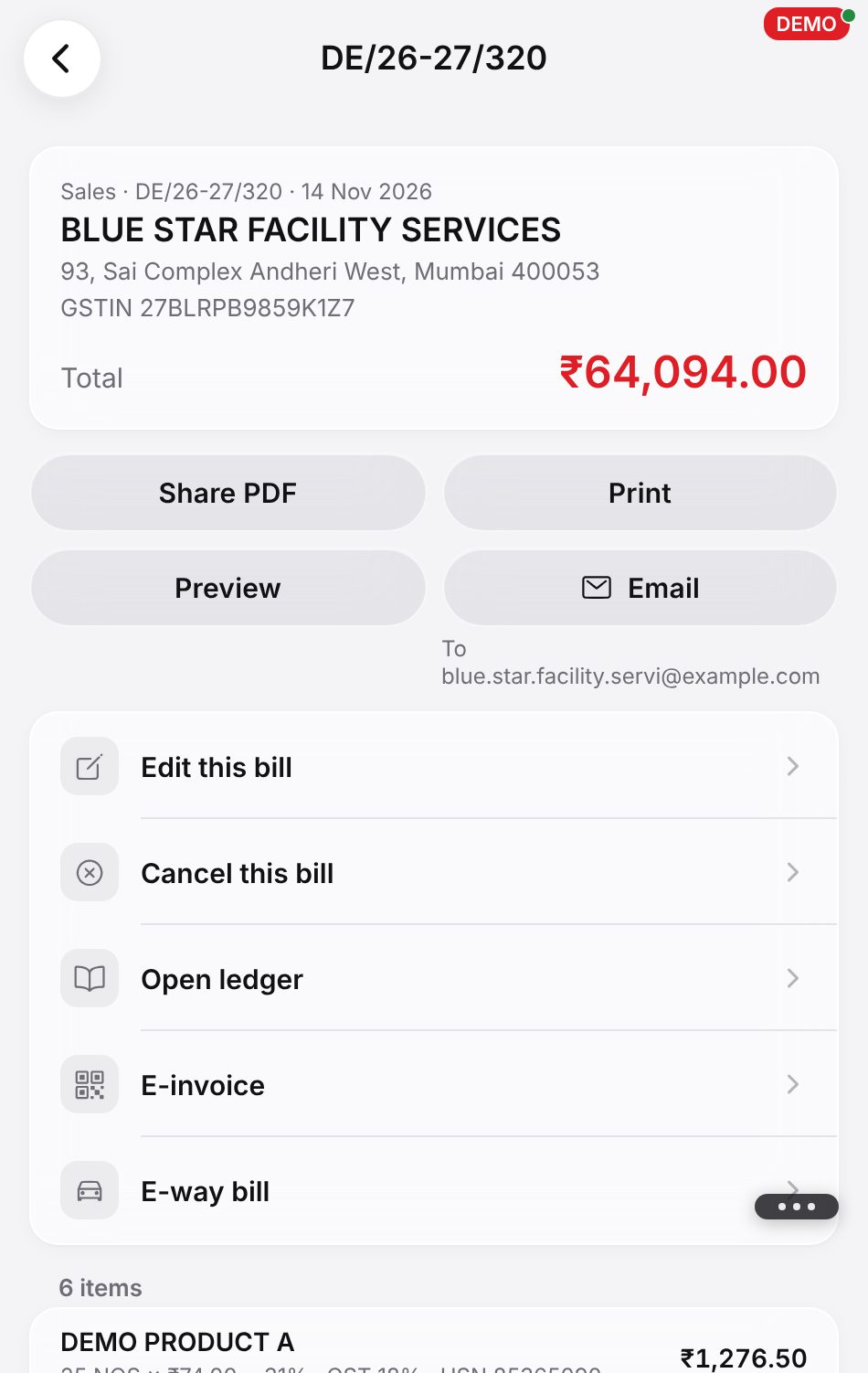
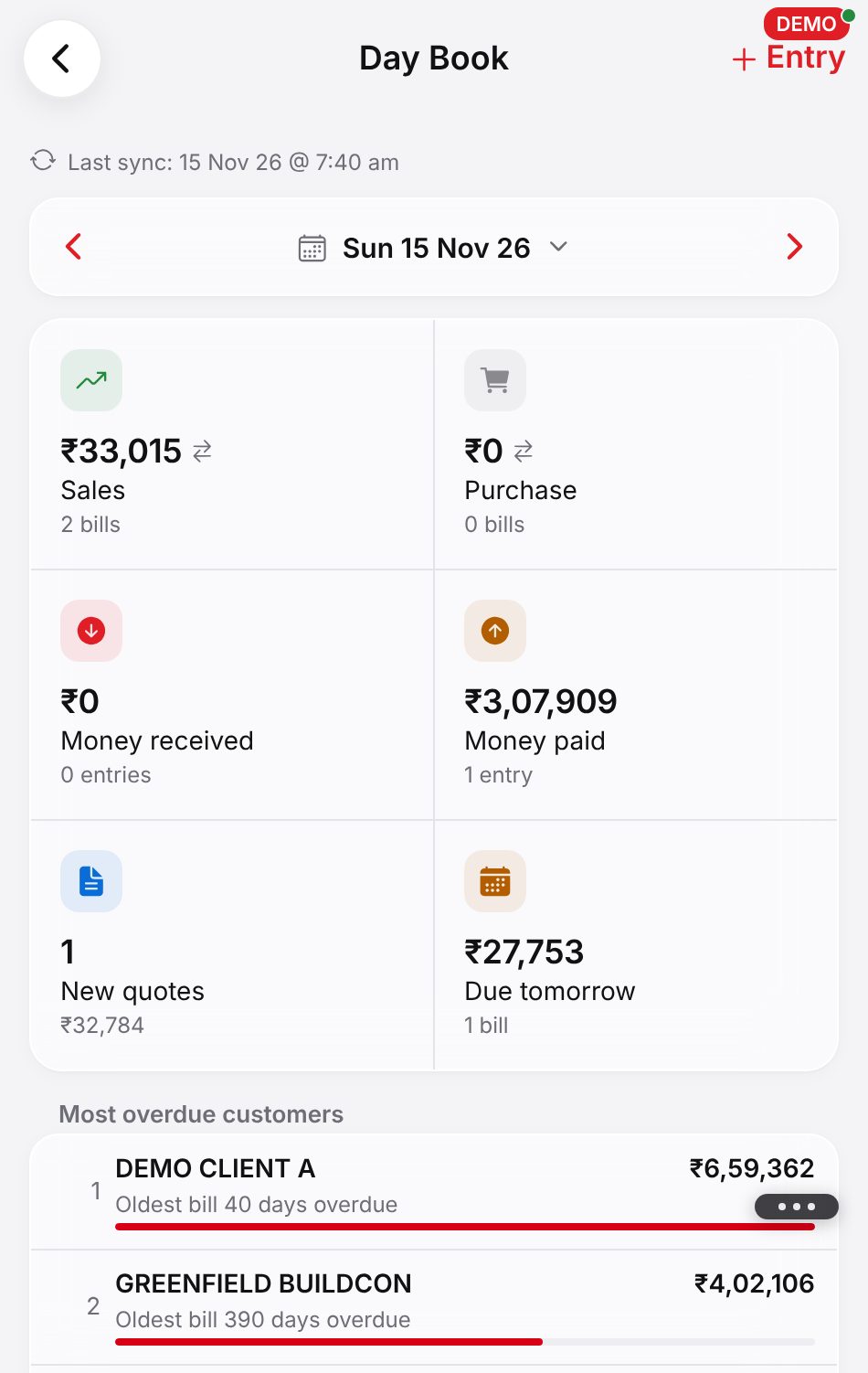
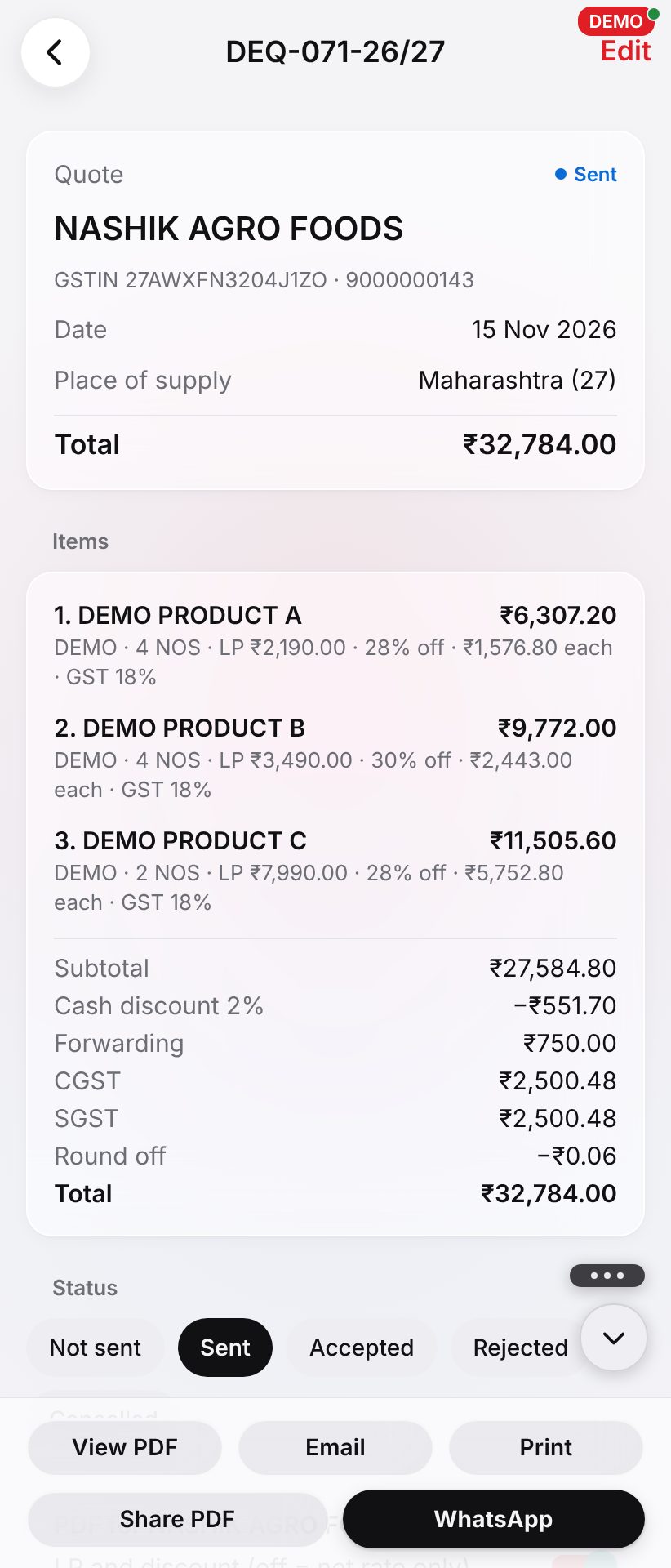
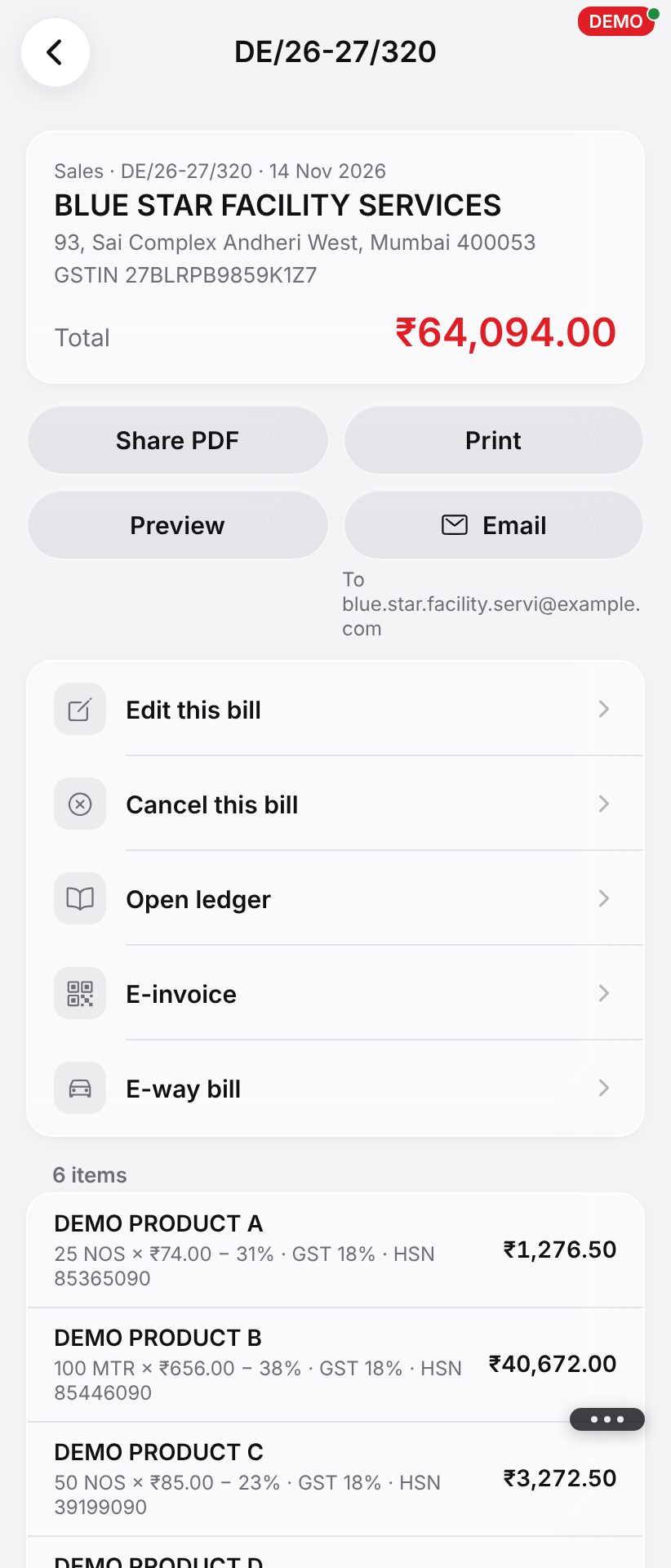
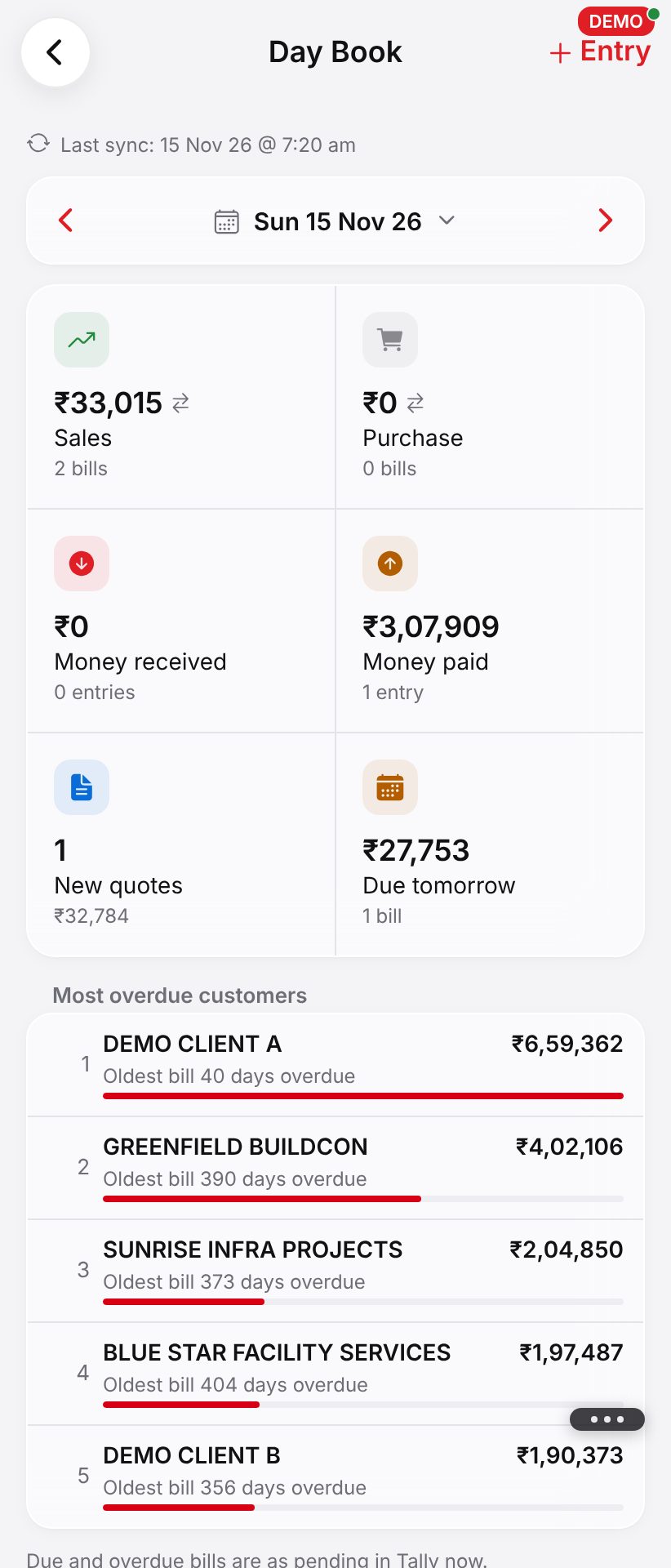
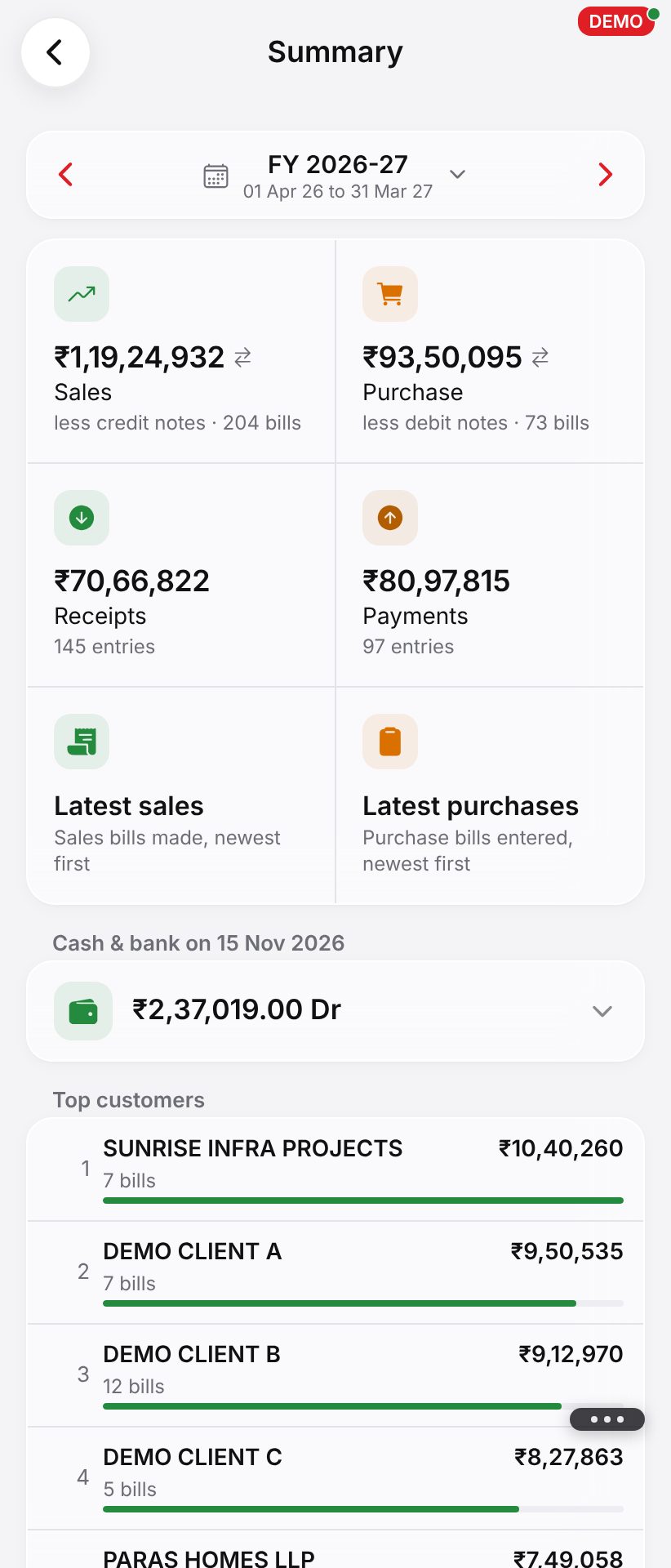
Foldable layout
App download karein (.apk)
Aapke phone par PiLabh ek app ki tarah, apne icon ke saath. Yeh apne aap update hota hai.
- Download the app (.apk) tap karein. Chrome poochhe ki file rakhni hai, to Download anyway tap karein.
- Download hui PiLabh.apk kholein (notification se ya Files app se). Pehli baar Android kahega ki is source se install allowed nahi hai: Settings tap karein, Allow from this source on karein, phir wapas aayein.
- Install tap karein. Agar Google Play Protect kahe ki woh app ko nahi pehchanta, to More details → Install anyway tap karein.
- Icon se PiLabh kholein aur sign in karein. PiLabh ke har naye version ke saath yeh apne aap update hota hai: dobara download ki zaroorat nahi.
Ya Chrome se install karein
Wahi PiLabh, bina koi file download kiye.
- Chrome mein app.pilabh.in kholein.
- ⋮ (upar right) → Install app (ya Add to Home screen) tap karein.
- Icon se PiLabh kholein aur sign in karein. Aap signed in rahenge.
Ek hi login har device par chalta hai.
Doosre devices: iPhone (iOS) · Windows · Mac
PiLabh try karne ke liye ready?
30 din free*. Aapki apni company, aapka logo, aapki team.